
It started with full-size keyboards
My first keyboards were some full-size models from Razer and Logitech. I also typed with two fingers. It was not fast or efficient, but it was what I knew.
The first smaller keyboard I used was a Leopold FC660C. It still had a normal staggered layout, just with fewer keys around it. After that I got into custom 60% keyboards and built quite a few of them.
At this point I was still using QWERTY, but I had learned to touch type properly. It took me about a month. That made a much bigger difference than any switch or keycap ever did.
Then I found ortholinear keyboards
I moved from the custom 60% boards to an OLKB Preonic. Then I got an OLKB Planck, followed by a few more Plancks. Apparently one was not enough.
The keys on these boards sit in straight rows and columns instead of the staggered layout used on most keyboards. I kept QWERTY and learned to touch type on the new grid. It felt strange at first, but after a while a staggered keyboard started to feel strange instead.
The Preonic and Plancks also got me used to layers. A small keyboard does not need a separate key for everything. Hold a layer key and the same keys can become numbers, symbols, navigation or whatever else is useful. Once that is in muscle memory, it does not feel like anything is missing.
Learning another layout
After learning QWERTY twice, first on a normal keyboard and then on an ortholinear one, I decided to change the letter layout as well. I learned Colemak and later moved to Colemak DH, which is what I use now.
That made me slow again for a while. It took about three months before I reached an acceptable 70 words per minute. Short daily sessions worked better for me than trying to practise for hours, and accuracy mattered more than speed.
I now use home-row modifiers, so the letter keys also work as Ctrl, Alt, Shift and the OS key when I hold them. Space, Enter and layer switching sit on the thumb keys. It took some adjustment and a few changes to the timing, but now it feels normal.
Splitting the keyboard
The next keyboard was a ZSA Moonlander. This was my first proper split keyboard. Being able to move the halves separately made more sense to me than having both hands pulled toward the middle of one board.
After the Moonlander came a bunch of Cornes. Then I tried a Cantor, which is a small low-profile split keyboard. After that I went back to the Corne.
I like being able to put each half where my hands naturally rest. My wrists stay straighter and I do not have to pull my shoulders inward. The thumb clusters also give useful jobs to my thumbs instead of leaving most of the work to the other fingers.
The Corne I use now
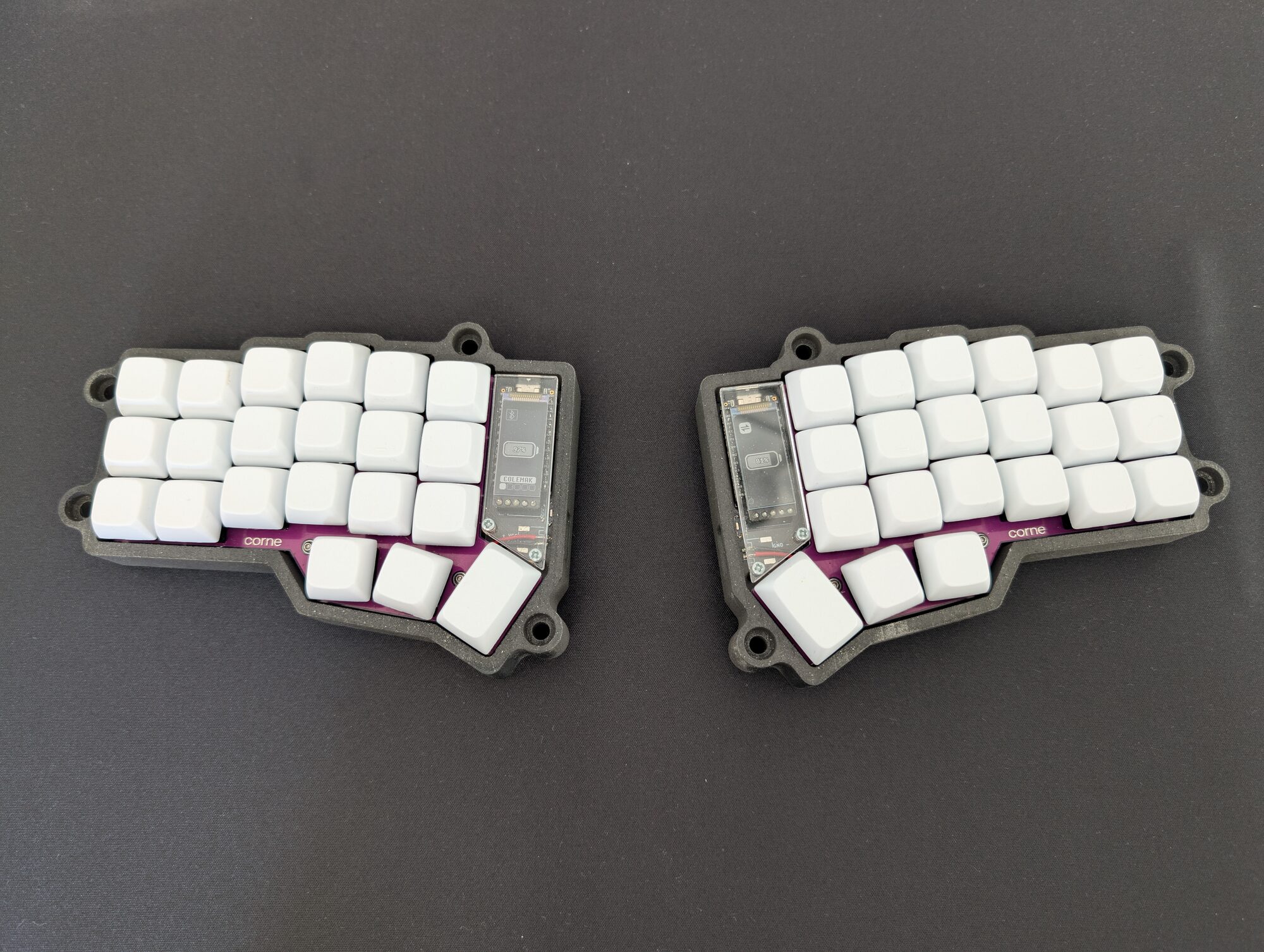
My daily driver is a wireless 42-key Corne that I built in 2023. It uses a VOID case that I printed myself, Gateron Ink Black V2 switches and blank white XDA keycaps.
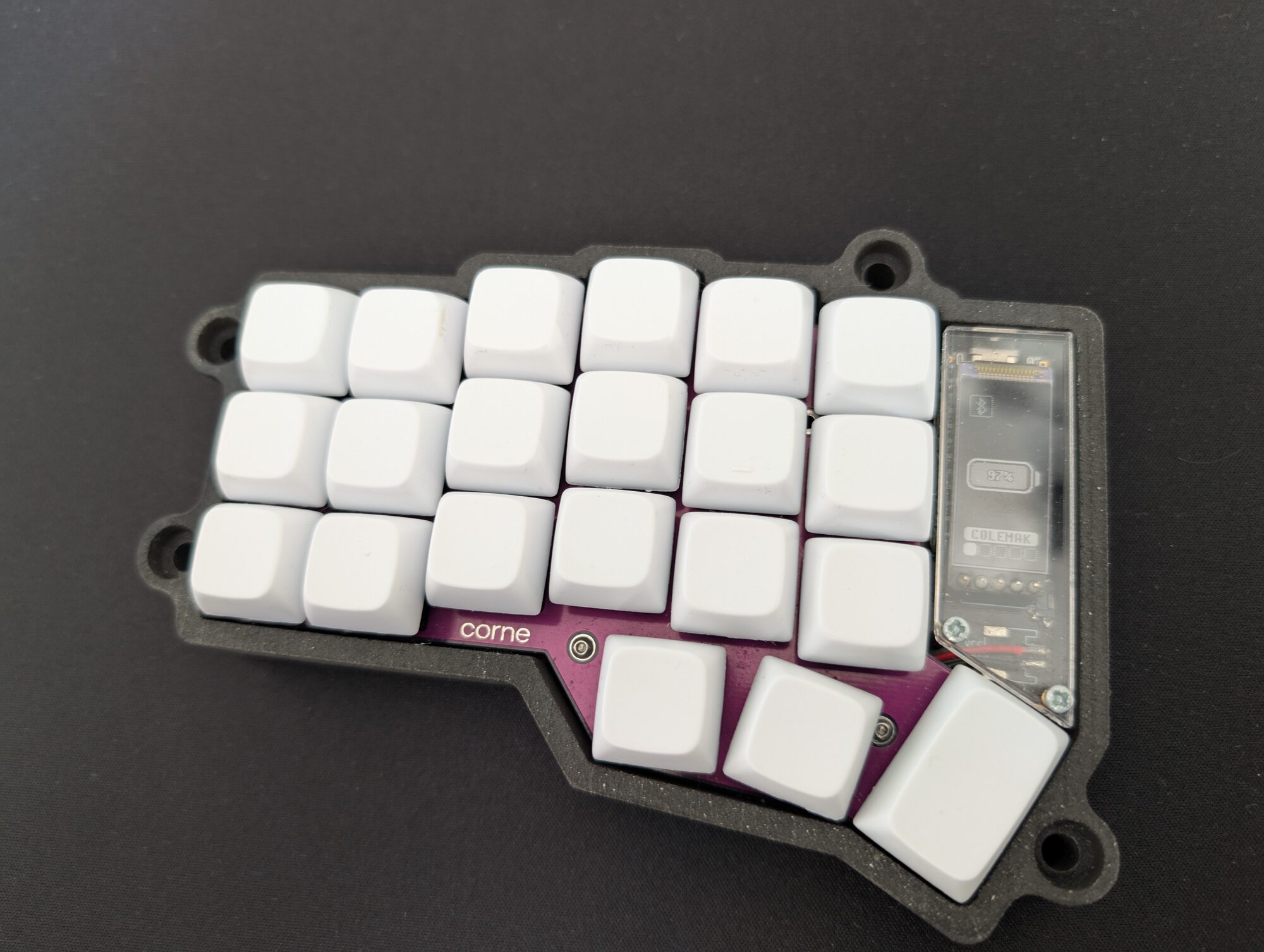
It runs ZMK, which is the firmware I use for wireless keyboards. My layers, home-row modifiers and other keymap settings all live there. The board is small, but every key I need is still easy to reach.
I also like not having a cable between the two halves. I can move them around without the cable deciding how far apart they should be, and it is easy to clear some space on the desk when I need it.
I went through a lot of keyboards to get here. Full-size, 60%, ortholinear, different layouts and a bunch of splits. Now I’m back on a Corne, and it’s the keyboard I use every day.
I’ll probably build more. For now, this one does exactly what I want.