
A private app for the team
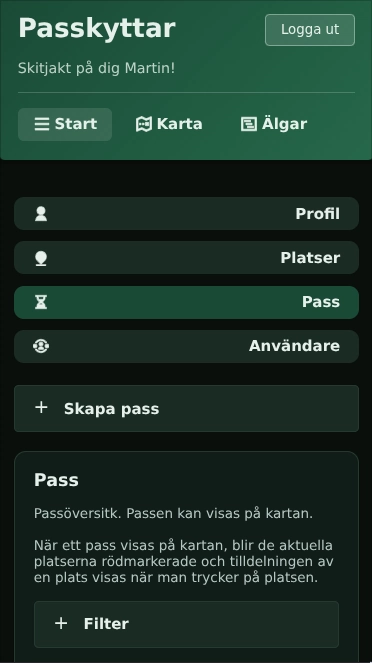
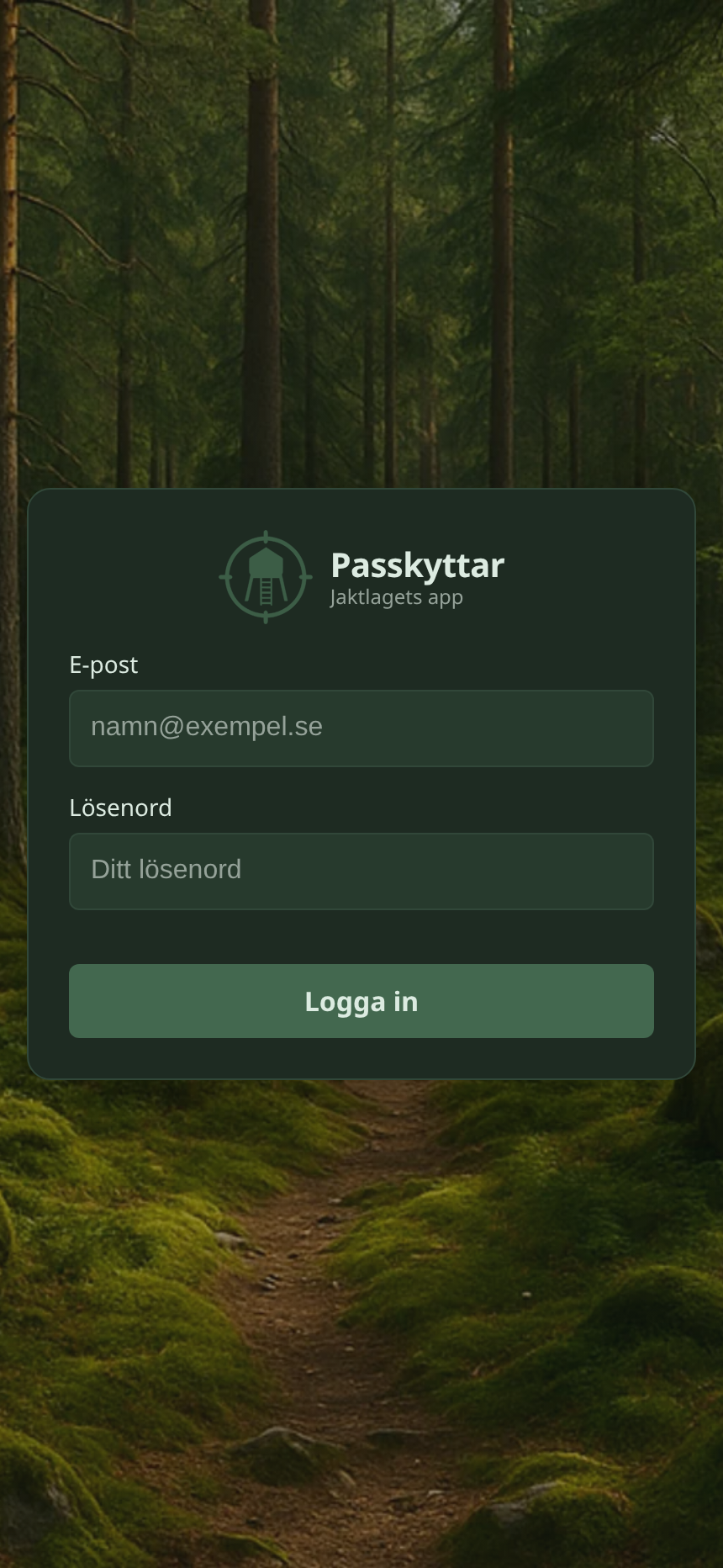
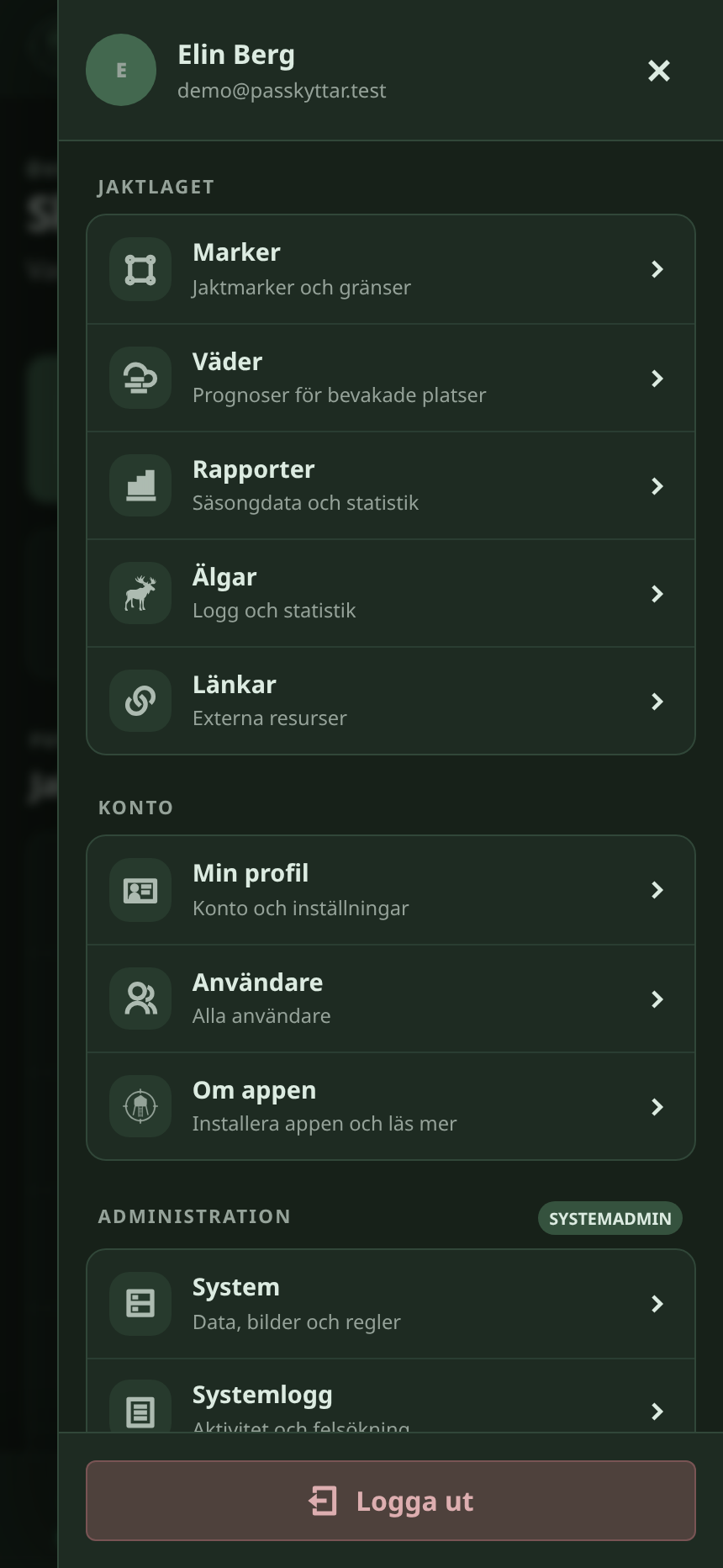
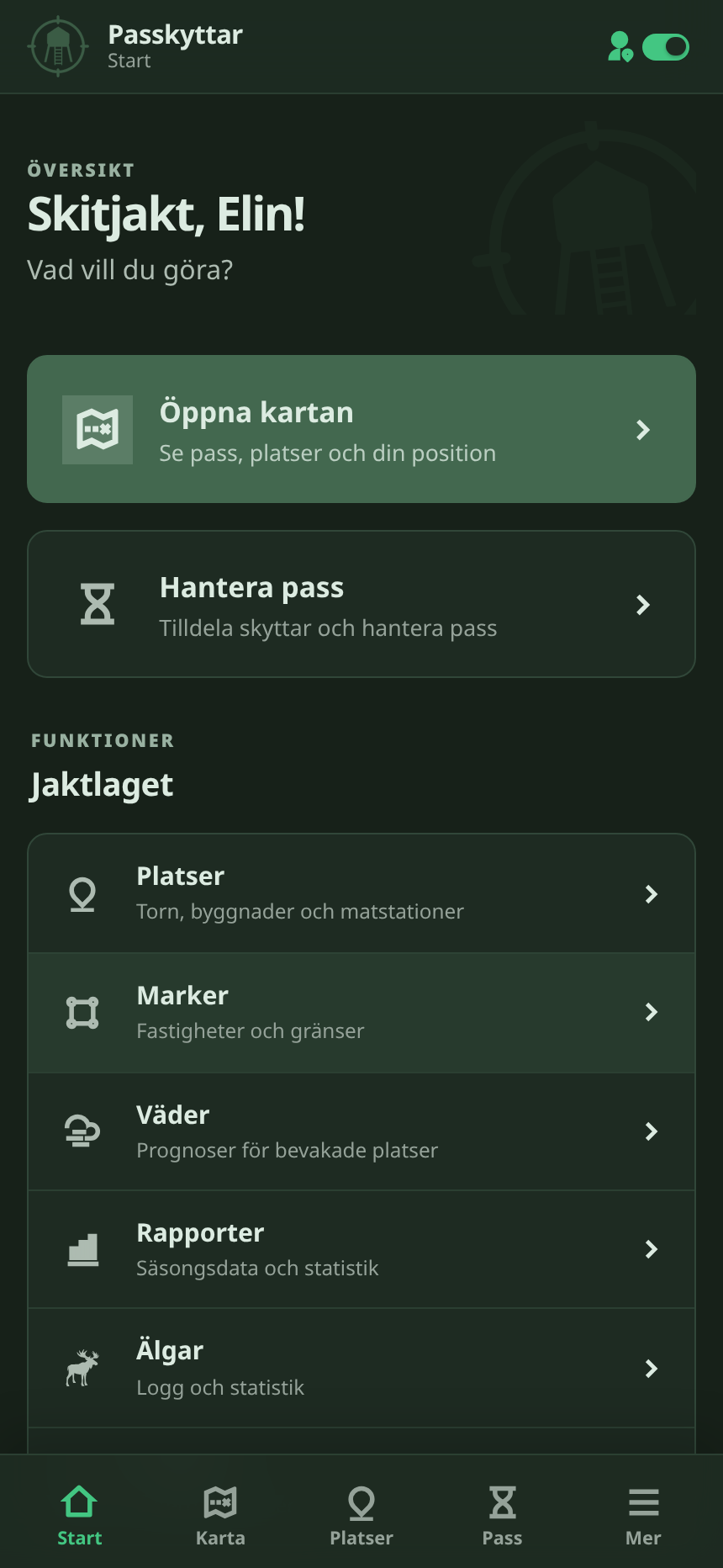
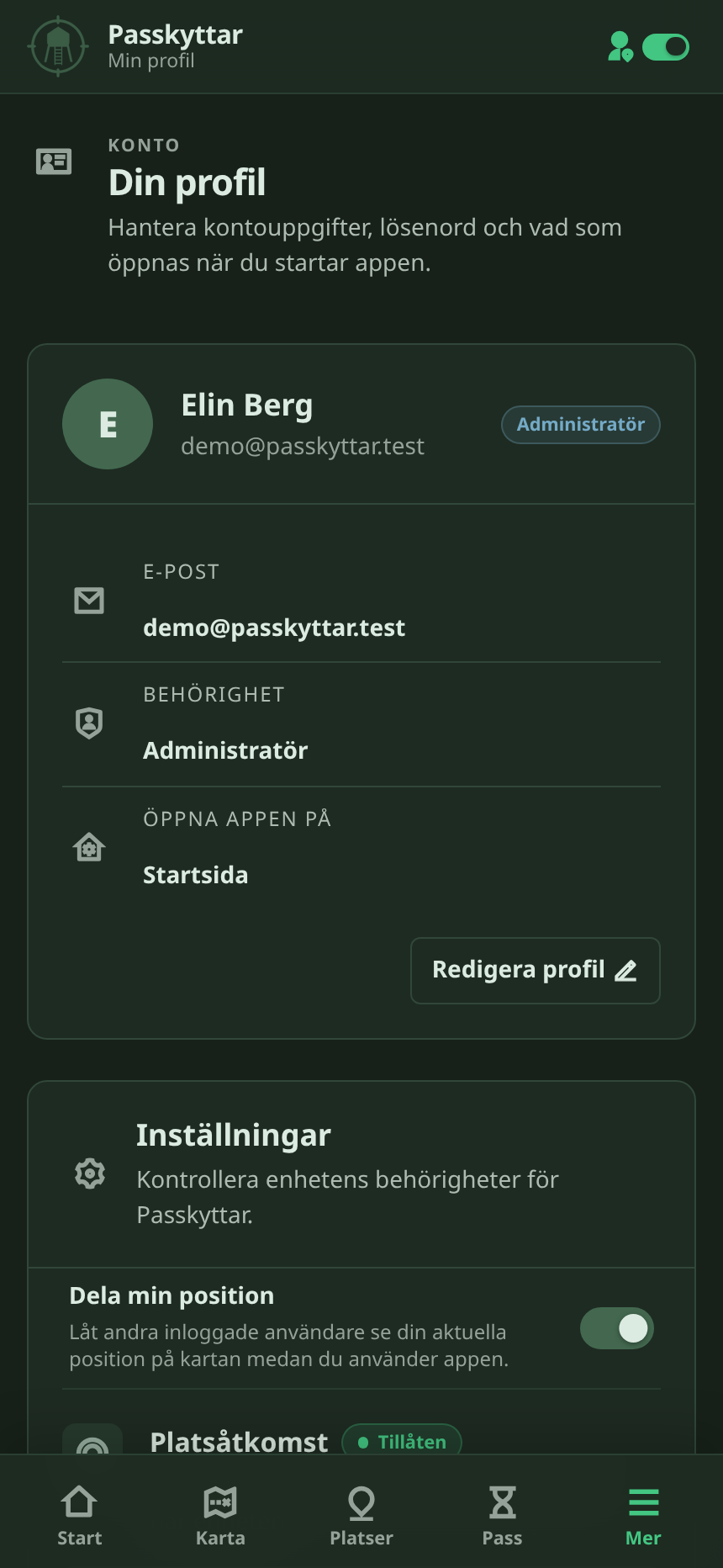
Only members of the hunting team can log in. Once you’re in, the menu gets you straight to the different parts of the app. I didn’t want a giant dashboard full of stuff nobody needs all at once.
Hunting areas
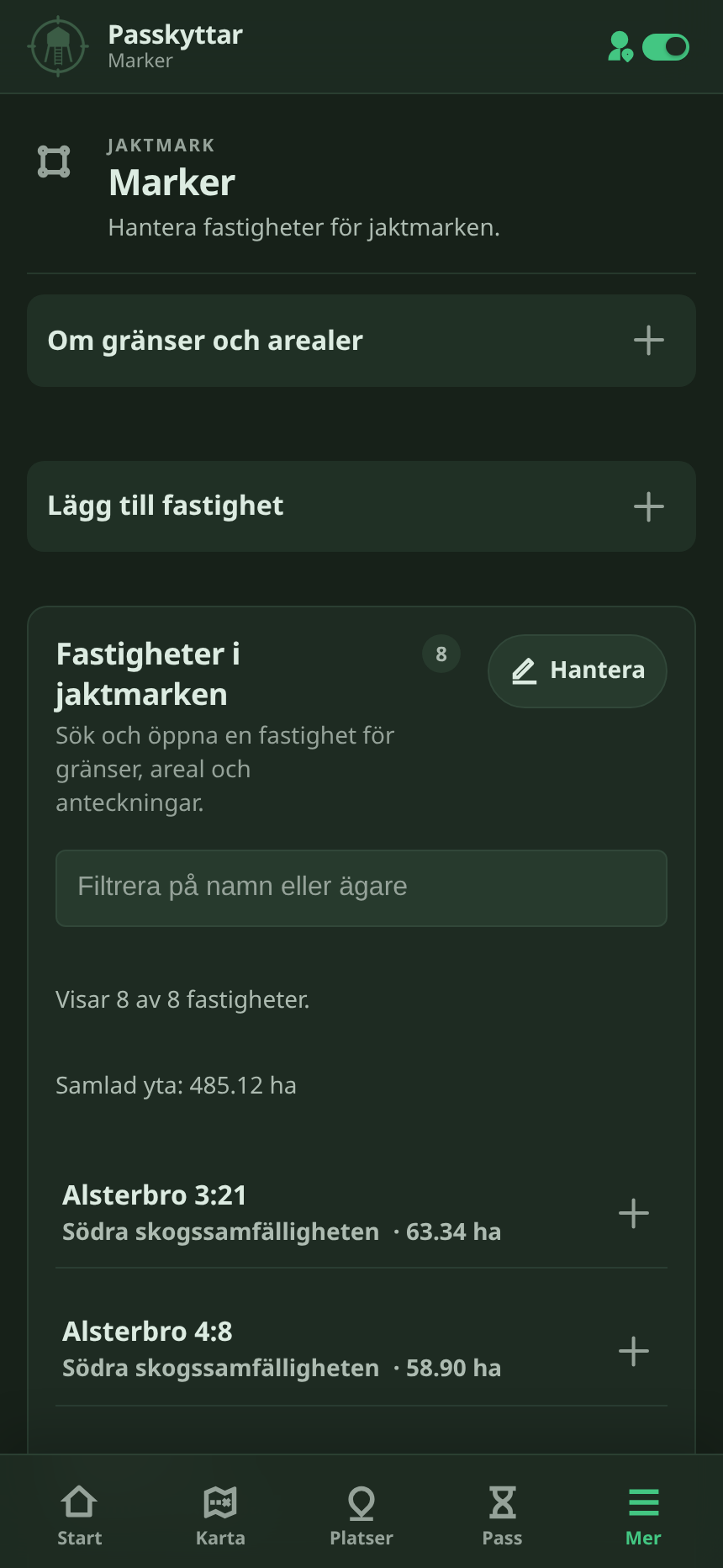
Our hunting areas live in the app. Open one and you can see the area itself, its locations and the other info tied to it.
Map and locations
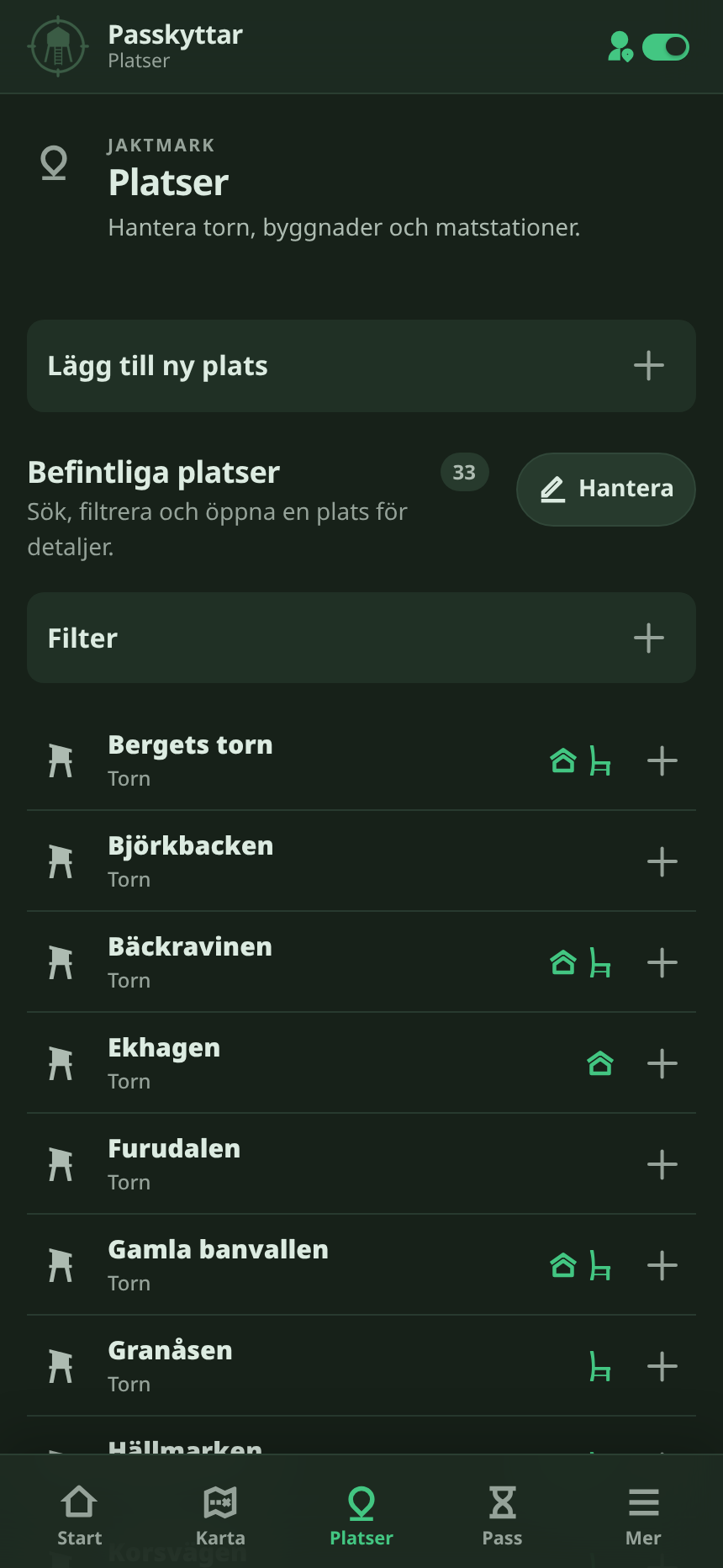
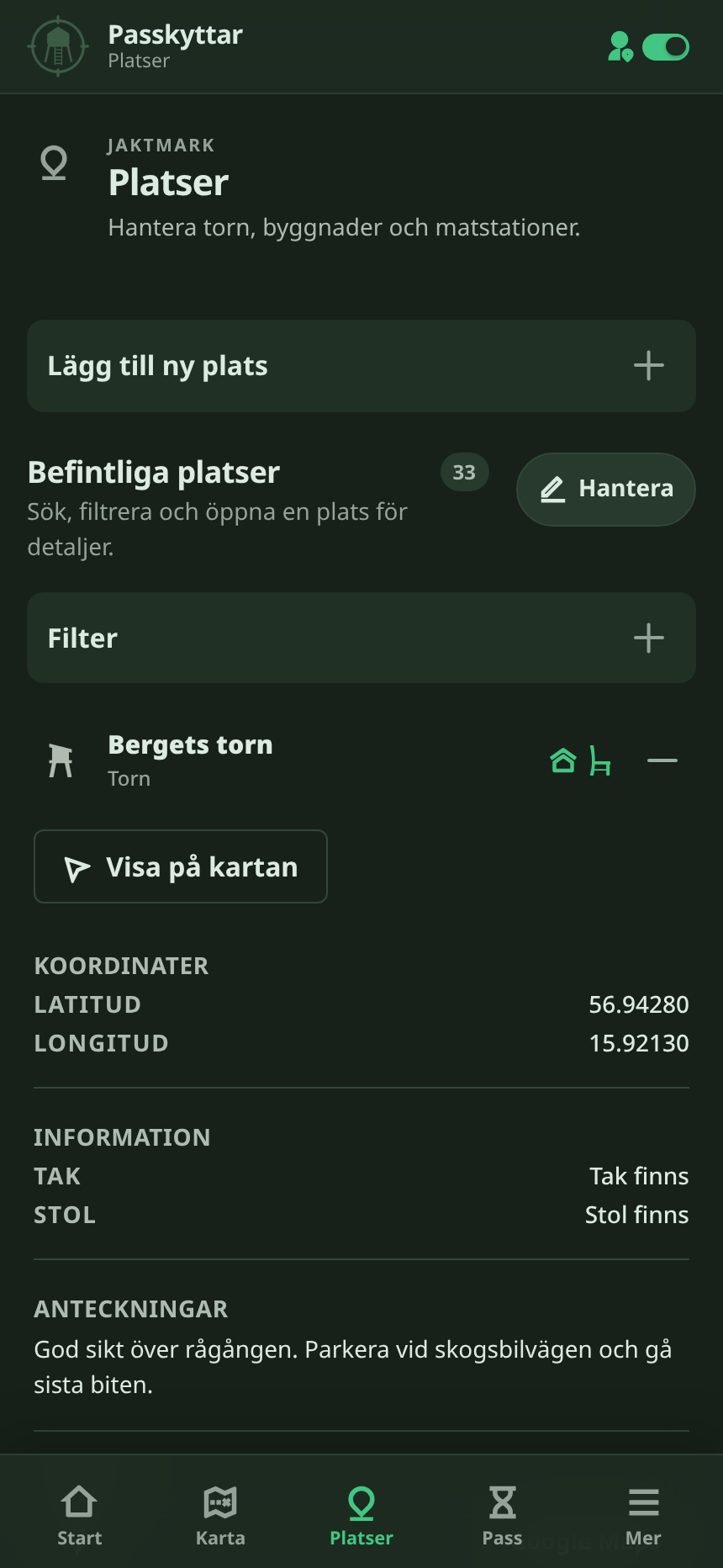
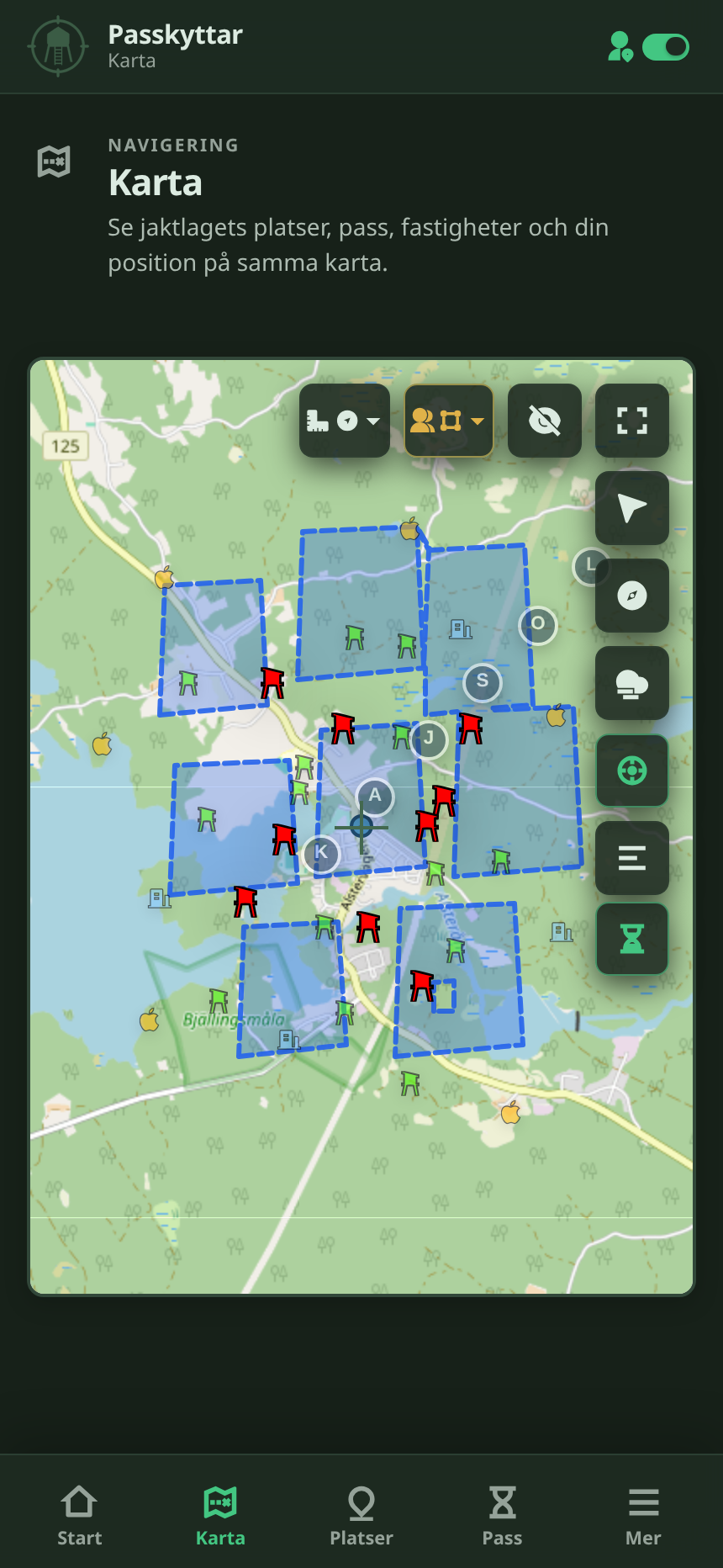
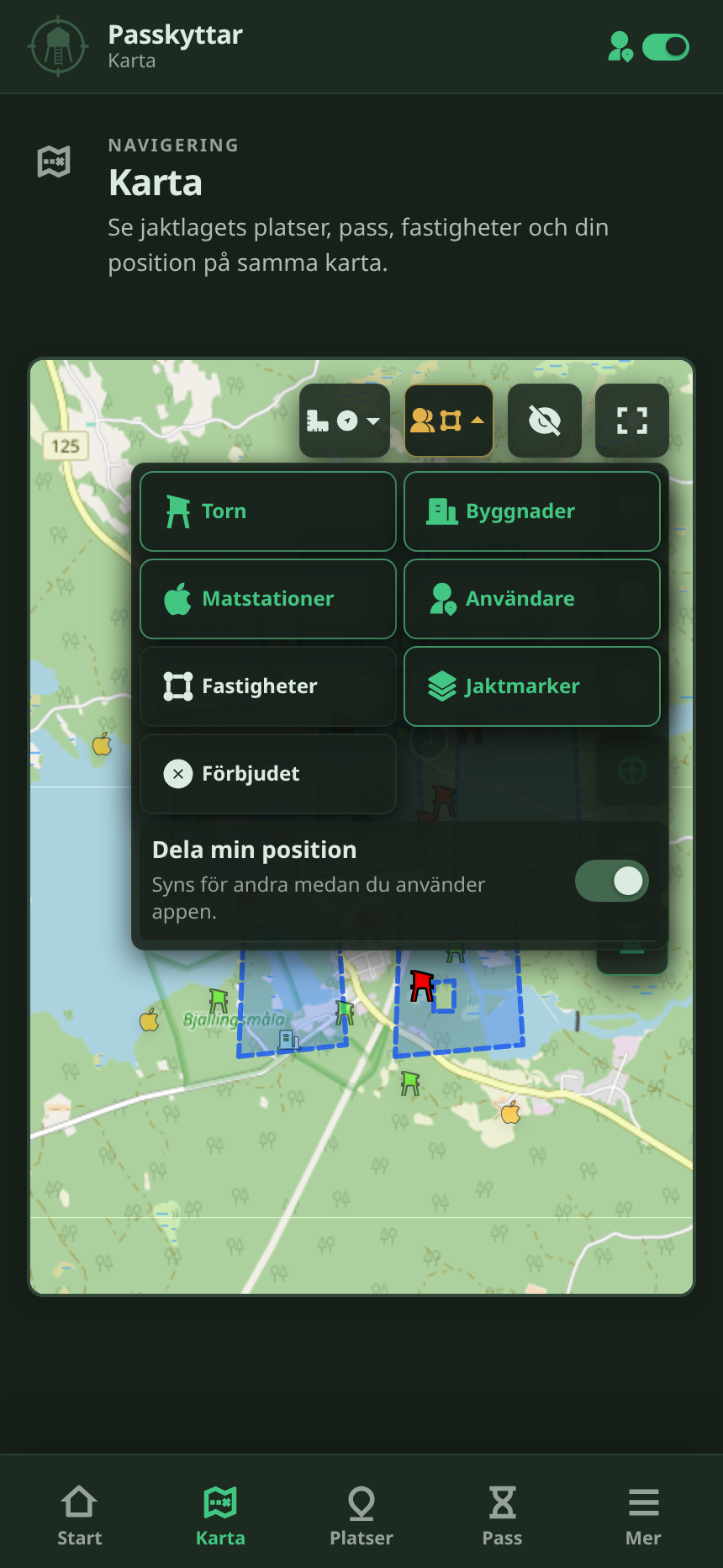
The map shows the hunting grounds, towers and other saved locations in one place. It’s easier than jumping between maps, notes and lists just to figure out where something is.
Statistics and reports
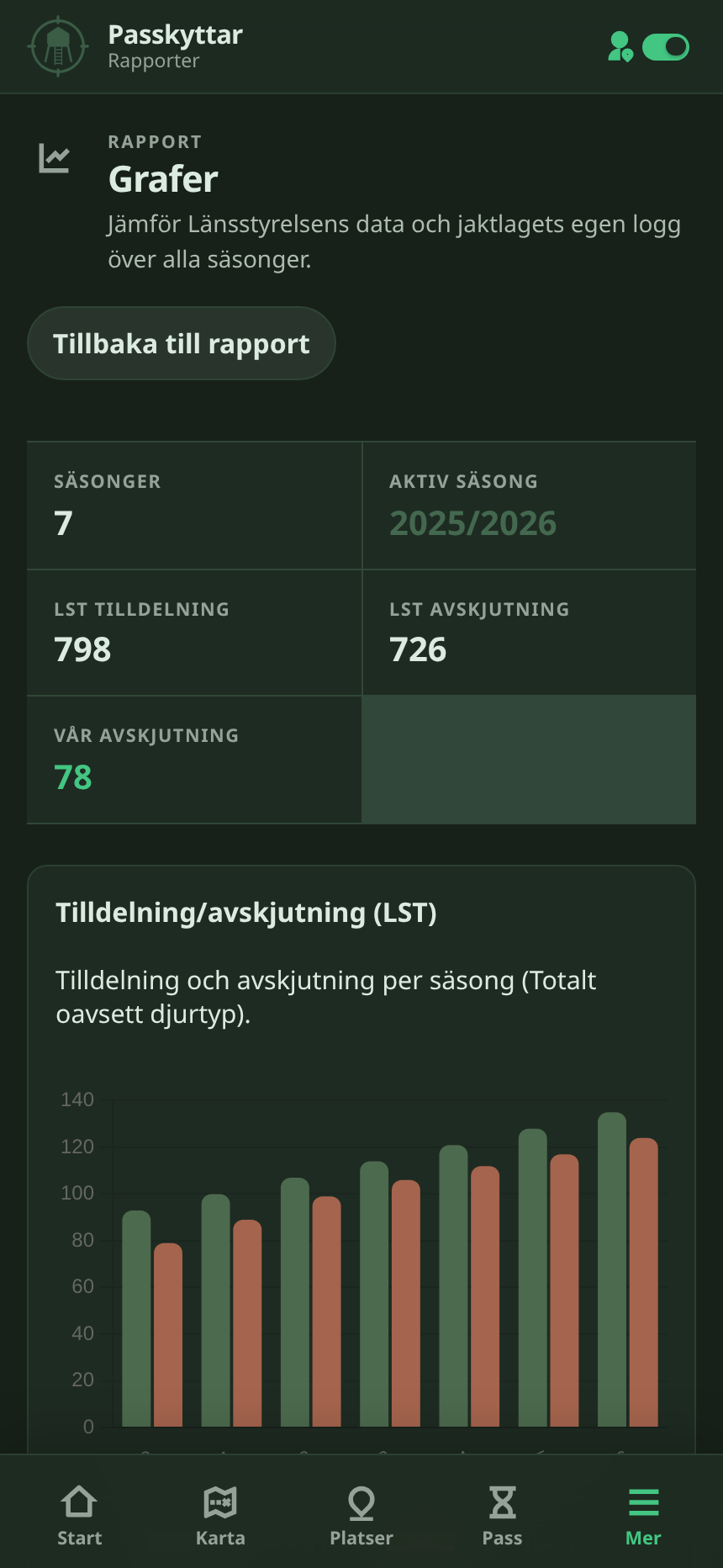
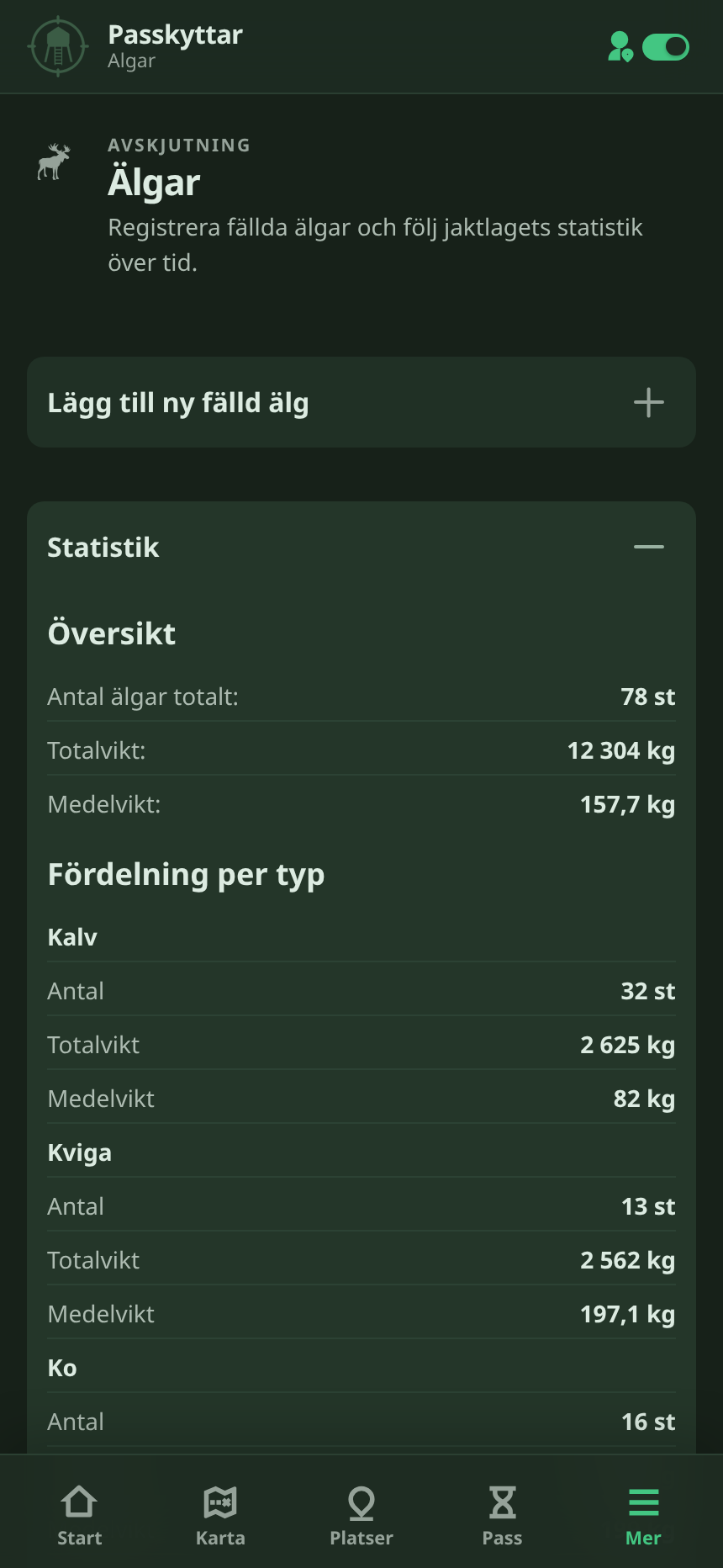
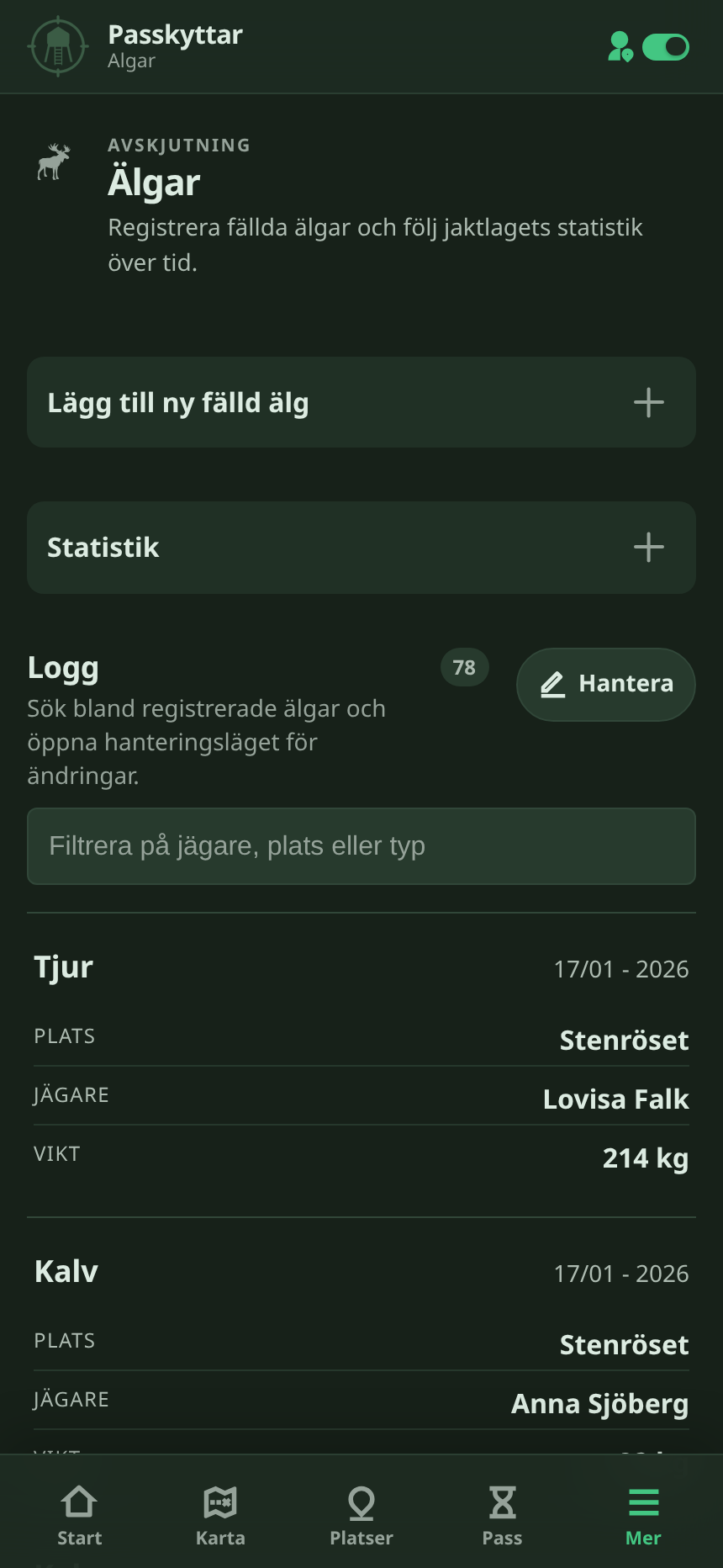
The app keeps our season stats and reports in one place too. We can track allocation and shooting, compare our numbers with Länsstyrelsen and look back at older seasons without digging through old files.
Built around how we use it
The nice part about building it for one hunting team is that I don’t have to make it work for everyone.
If something is annoying, I change it. If we keep looking for the same thing, I make it easier to find.
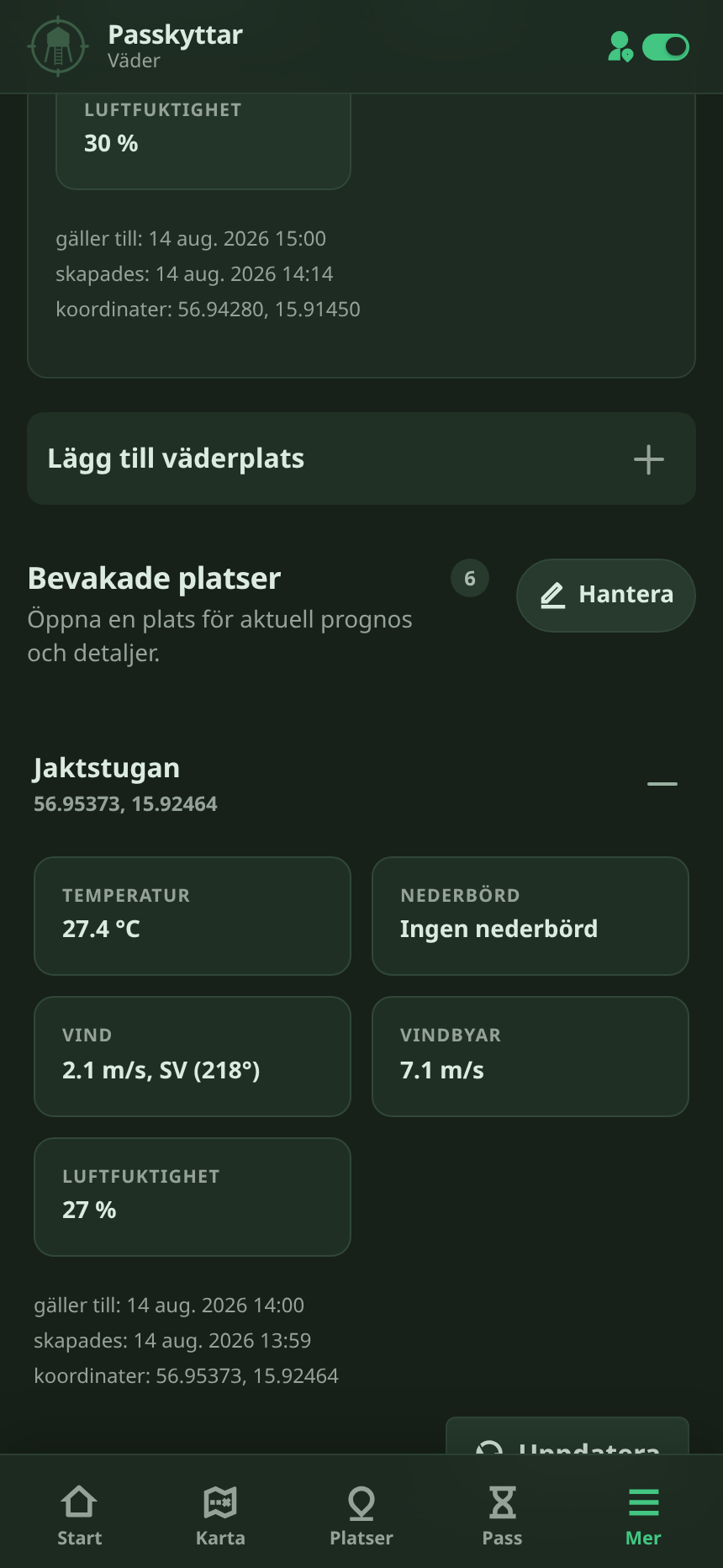
Most of it is built for a phone because that’s what we actually have with us during a hunt.
An ongoing project
Passkyttar started because I wanted a better way to learn our hunting grounds. I needed to know where the areas and towers were and how everything connected.
Then I kept adding things. More locations, better maps, the moose log, hunting data and season stats. Eventually it stopped being just my tool and became something the whole team used.
It’s still built for us, not as some general hunting platform, and that’s the point.
Edit 18/9 - 2026
As of seven days ago the project has two new major features.
Wildlife camera integration with Molnus enabled cameras. What this does for us is enable each user to integrate their Molnus cameras so that Passkyttar can revieve images as they come from multiple cameras across multiple Molnus accounts.
Email newsletters. Once per day, at a fixed time Passkyttar gathers all the images taken, and all chaged statistics for the past 24 hours and send each user (and external email, if not a user) an email if there are any new changes.
The above two changes turns Passkyttar into a quite unique hunting application. It is still a private project though, and will most likely remain a private project.